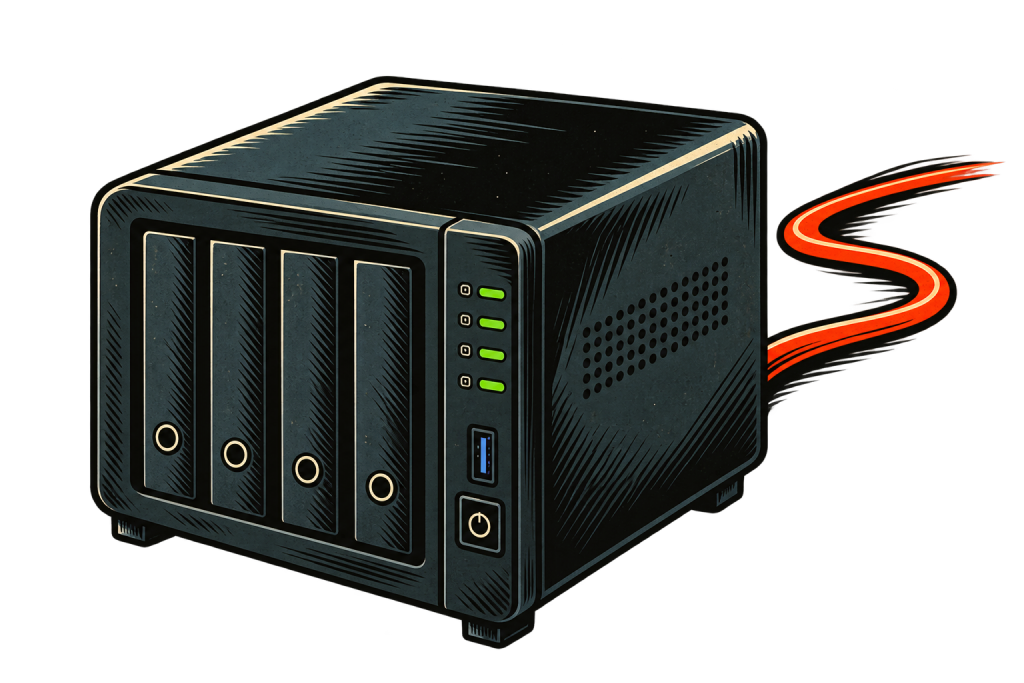
Step 1
Install ownfilm on your nas or computer.
Your NAS or computer becomes your personal streaming server. No complicated setup required.


Your Hardware.Your Library.
Turn your computer or NAS into your own streaming service.
Watch your library anywhere, on all your devices.
Step 1
Your NAS or computer becomes your personal streaming server. No complicated setup required.

Step 2
Add movies you own or have the right to stream. You’re in control of your content.

Step 3
Share your library with friends and family, wherever they are.
Placeholder — real reviews coming after launch
Our average App Store rating
Read all reviews
I had Ownfilm running on my NAS in minutes. Everything just showed up beautifully organized, and now I can watch my collection anywhere.
mike842025-02-11
I’m definitely not a server expert, but the setup was incredibly easy. My whole movie library was ready to stream before I knew it.
filmnerd232025-02-11

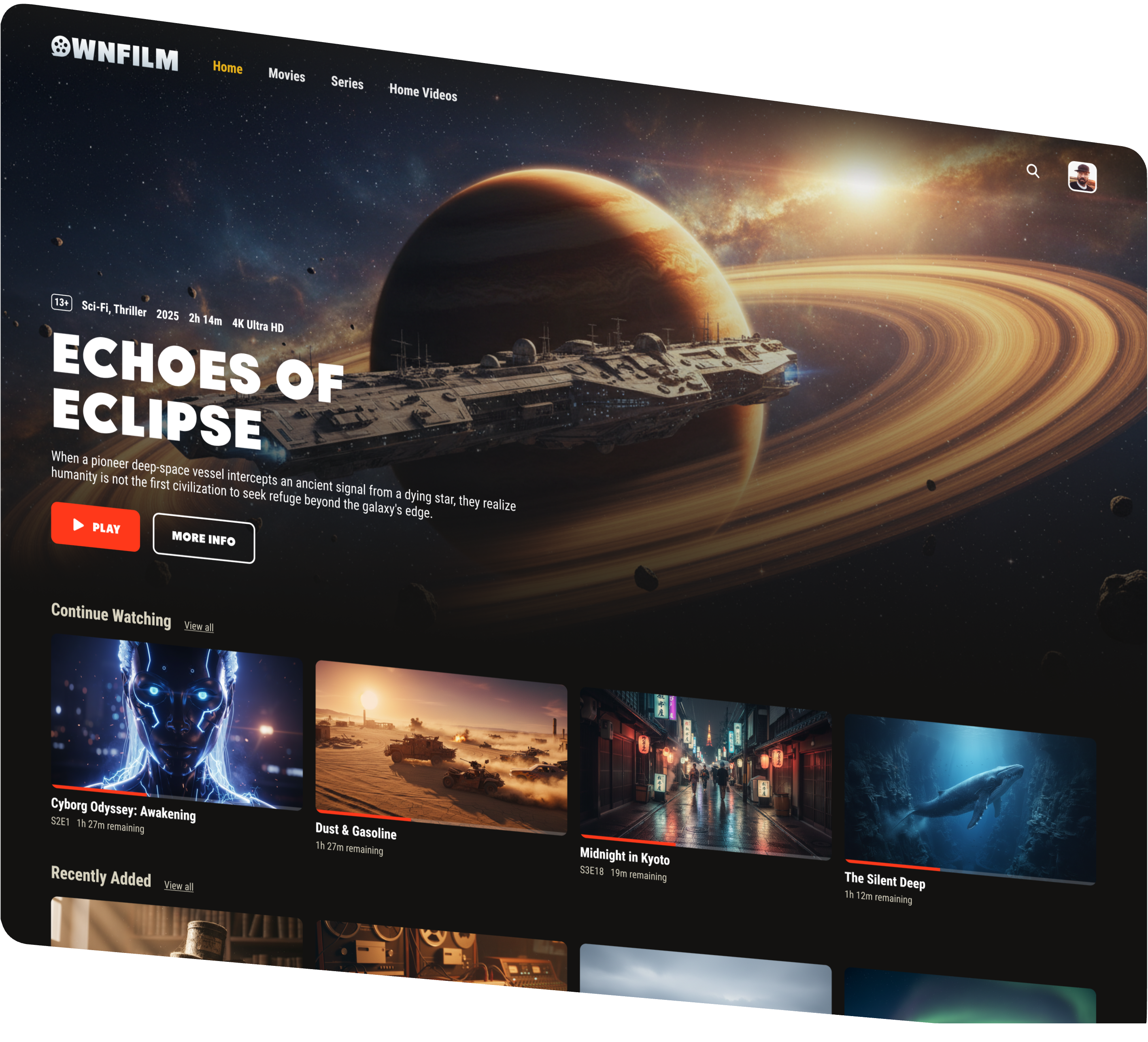


Your movie collection, beautifully organized with posters, descriptions, seasons and more — automatically.
Stream your library on all your devices, at home or away. Share access with friends and family, wherever they are.
Stream your own library for free at home.
Upgrade for 4K, remote streaming, downloads and more.
$0/ forever
Start free Included: Full library experienceIncluded: Watch progressIncluded: Stream locally
 Not included: Stream from anywhereNot included: Up to 4K / original qualityNot included: Offline downloadsNot included: Up to 8 usersNot included: Multiple simultaneous streams
$2.49/ monthBilled annually at $29.88
Get PlusIncluded: Full library experienceIncluded: Watch progressIncluded: Stream locallyIncluded: Stream from anywhereIncluded: Up to 4K / original qualityIncluded: Offline downloadsNot included: Up to 8 usersNot included: Multiple simultaneous streamsBest value
$3.99/ monthBilled annually at $47.88
Get FamilyIncluded: Full library experienceIncluded: Watch progressIncluded: Stream locallyIncluded: Stream from anywhereIncluded: Up to 4K / original qualityIncluded: Offline downloadsIncluded: Up to 8 usersIncluded: Multiple simultaneous streamsPayments coming soon

Secure paymentsSecure payments via Stripe.

Cancel anytimeNo long-term commitment.

Human supportWe're here to help.
Install the Ownfilm server where your movie library lives.
Then add the streaming app to the devices you watch on.
ownfilm server
The server scans, organizes and streams your library from your NAS or computer.
streaming apps
Install the app on the phones and tablets you use to watch.
Tip!Watching from your computer is done through your browser. No install needed.


